How to play Abyss Station
Your lift keeps the station connected. Bring passengers to their destinations, deliver the right crews and make each journey count.
Hold to travel. Release to dock.
Grab the round handle and move it up or down, or press and hold clearly above or below it. Keep holding to pass floors. Let go and the handle returns to neutral; the lift finishes its journey to the next landing in that direction.
Releasing does not stop the lift halfway between floors. If you reverse direction, it completes that next landing first. Swipe the scene to inspect another floor; using the handle brings the view back to your lift.
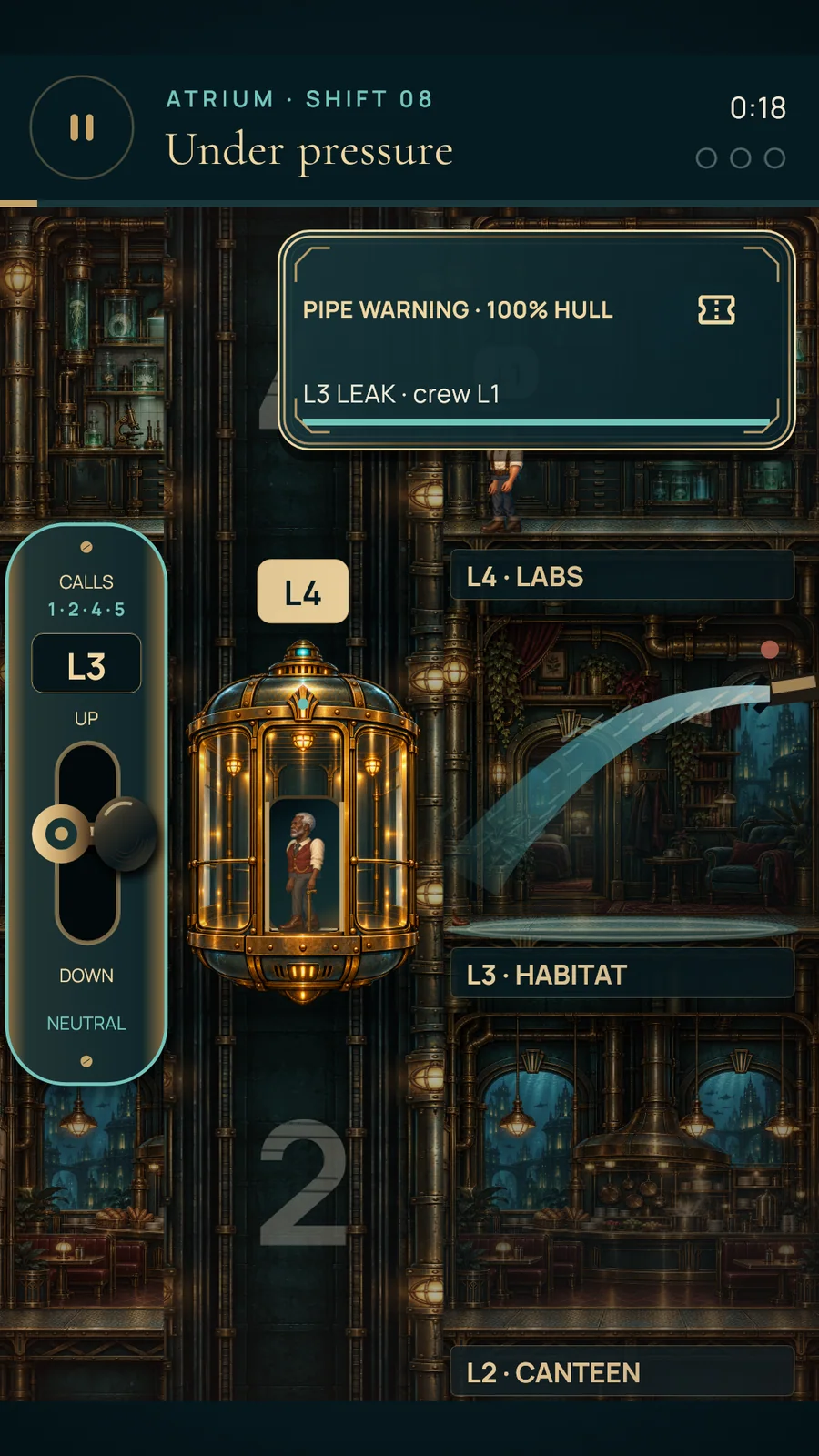
Pick up people, not just calls.
Look at passenger destination labels and the lift’s waiting-floor readout. Dock at a landing to open the doors. Passengers must walk to the doorway and cross into the cabin before their pickup is complete.
Leaving too early can leave someone on the platform. People exiting also need time to cross the doorway. Capacity is limited, so combine useful journeys and avoid empty trips while other floors are waiting. Passengers do not speed up to rescue a rushed stop.
Bring the assigned crew.
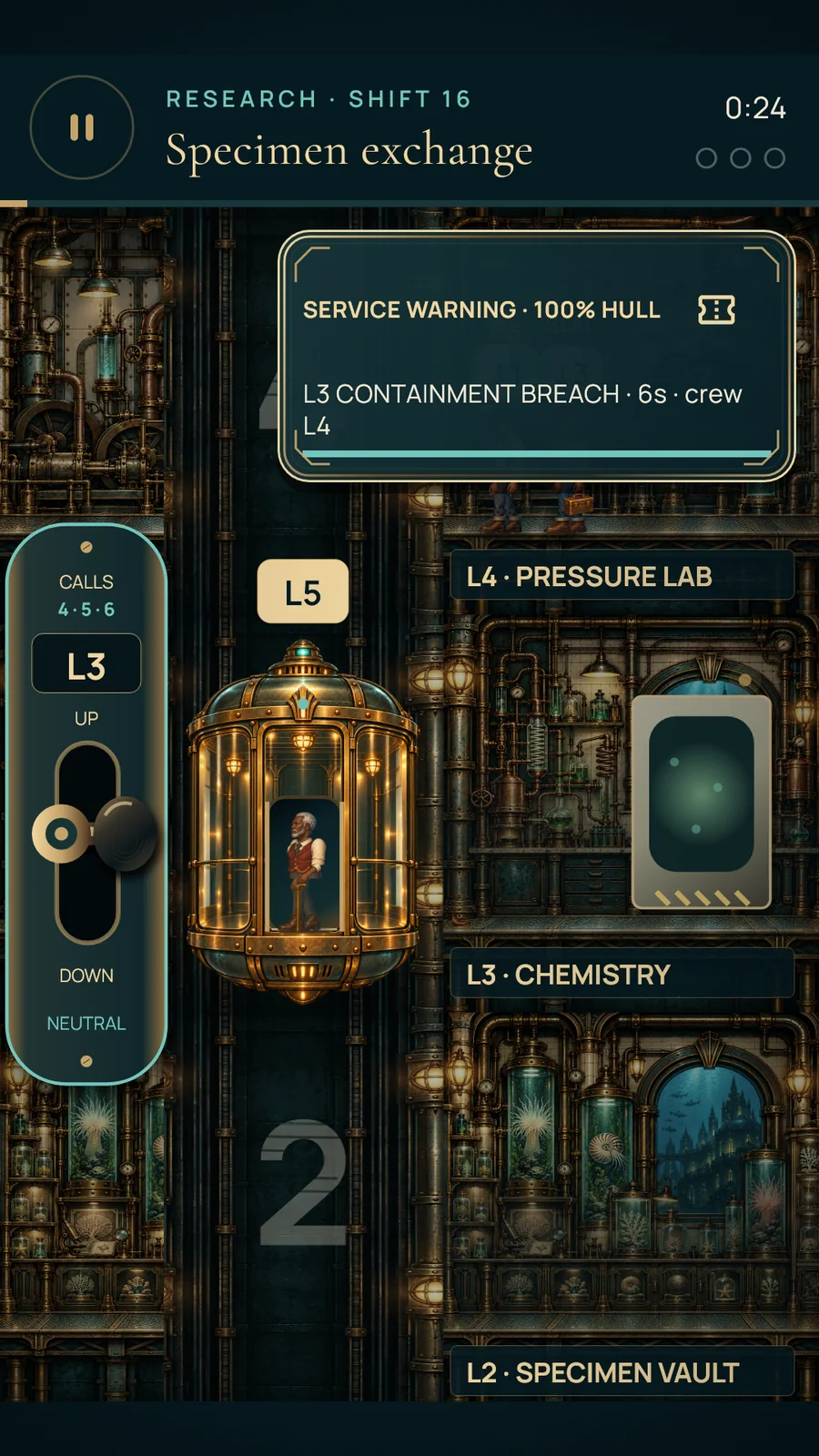
An emergency alert tells you the affected floor and where its repair crew is waiting. Pick up that crew and deliver them to the correct floor. Merely docking at the problem does not fix it: the assigned worker must cross the destination doorway.
The Atrium has pipe leaks; Research has containment and cooling failures; Habitat has laundry backlogs; Hydroponics has wilting crops. The Reactor adds coolant leaks, waste collection, fuel delivery and overheating work orders.
Warnings give you time to react before damage builds. A shift is not complete until its scheduled repair work is finished.
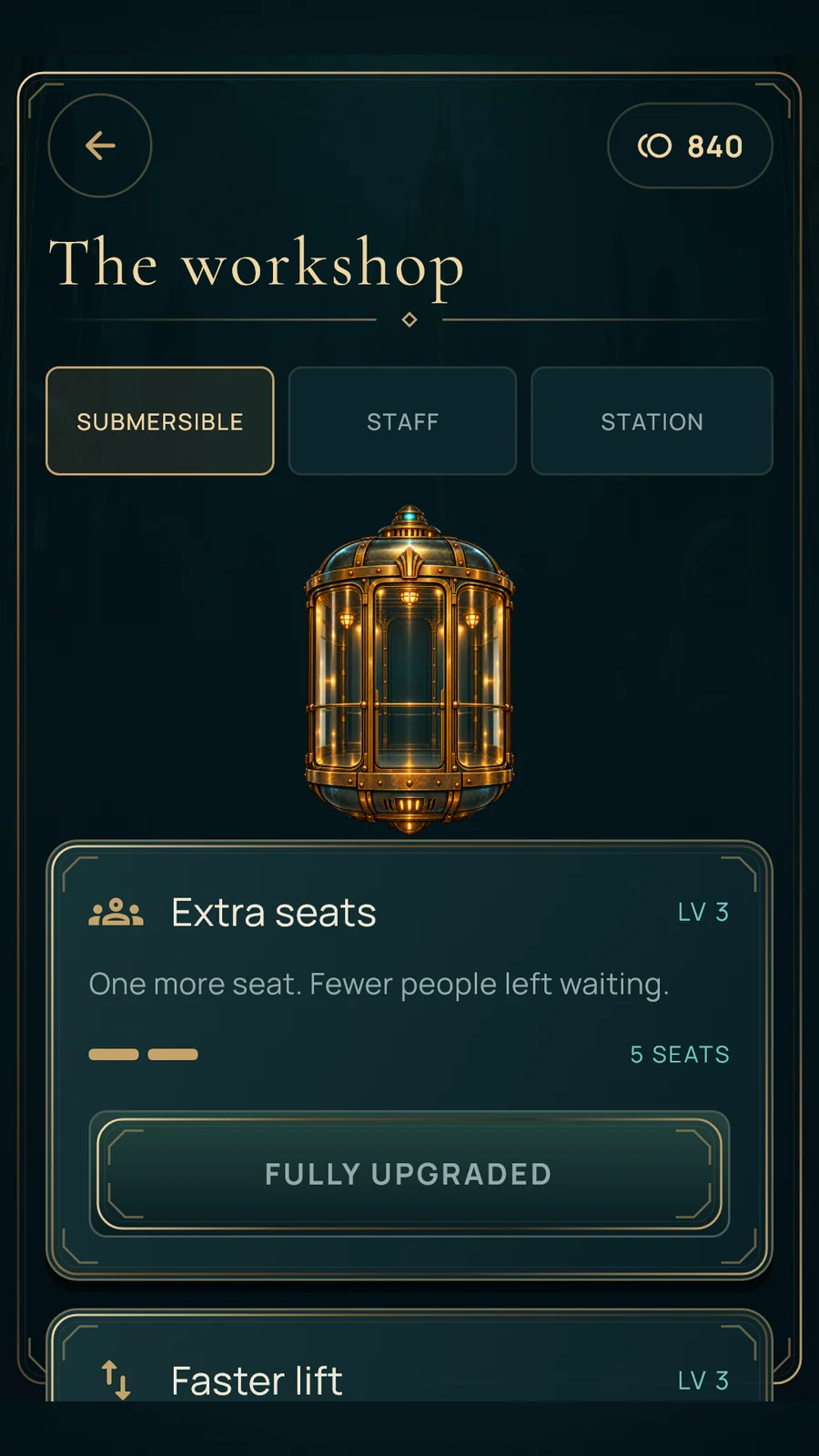
Choose what your lift needs next.
Complete shifts to earn coins and up to three stars. The workshop improves capacity, travel speed, docking, passenger patience and more. All upgrades compete for the same earned wallet; there are no paid tokens or in-app purchases.
The first capacity purchase opens at Shift 16: four seats for 1,100 coins. The fifth seat opens at Shift 41 for 2,000 coins. Save for those seats or improve another part of your lift. Replays pay reduced completion rewards, with extra best-star bonuses only when you improve.
Five buildings. Fifty shifts.
Finish a building’s ten shifts and earn at least 18 of its 30 stars to open the next building. Stars from that building count towards its gate. The campaign grows from five Atrium floors to six in Research, seven in Habitat, eight in Hydroponics and ten in the Reactor.
Efficient routes and calmer queues help you earn better stars. Keep building health above zero and do not let too many passengers lose patience. Each building has its own arrival and restoration sequence. Any successful Shift 50 clear earns the campaign ending and Keeper trophy; all 150 stars are optional.
A few useful answers.
Can I play offline?
Yes. The game, music and artwork are bundled. There is no account or cloud-save service. Completed progress, coins, equipment and settings are stored locally on your device.
Can I pause or change the controls?
Pause freezes the shift. Settings has separate music/effects volumes, reduced motion, high contrast and a choice of control-panel side. Supported accessibility actions can move one floor at a time.
Why did someone miss my lift?
A person needs to reach the boarding area and physically enter while the doors are open. Watch the passenger cross the doorway before departing, then plan the next useful stop.
Where is my saved progress?
Progress belongs to this device. Clearing app storage or uninstalling can remove it; operating-system backups have their own settings. We cannot retrieve a local save remotely. Pause for a break during a shift; completed progress does not require an online login.